 For Mac
Wheel Mapper
Drive with your wheel on a Mac — even in games that don't support one.
macOS 14 Sonoma or newer · Apple Silicon Mac (M1 or newer)
Everything your wheel can do — on a Mac
macOS games rarely support racing wheels, and none of them can drive force feedback. Wheel Mapper fills the gap.
Your wheel, in any game
Steering, pedals and buttons become key presses or a virtual game controller, for games with no wheel support — like Roblox car games. Partial steering feels gradual, not on/off.
Realistic force feedback
Games on macOS can't talk to your wheel's motor, so Wheel Mapper makes the force itself, from how far you turn and how fast you go: light when parking, firm at speed, loose in the very middle on fast straights.
Feel the game
Crashes, gear changes, slides and nitrous come through the wheel in games that vibrate the controller. Plus a centering spring, damper, friction, end stops and a kick on gear shifts.
Recording & instant replay
Film the game with its sound at up to 60 frames a second. Or keep the last 15 to 120 seconds and save a replay with a wheel button, right after that perfect drift.
Shift lights & dashboard
Reads the revs, gear and speed straight from the game's screen and lights up your wheel's rev LEDs and display, a see-through dashboard over the game, or your phone.
Walk and drive
Pedals move your character on foot and drive the car; press deeper to sprint. Wheel Mapper sees the speedometer and switches mode for you.
A profile for every game
Each game gets its own settings, and Wheel Mapper switches automatically when you change game. Start from a preset: Grip racing, Drift, Trucks, Off-road or Casual.
Less wheel turn at speed
Games steer less at speed, so the wheel's range shrinks from 1st gear to top gear to match.
Click to assign buttons
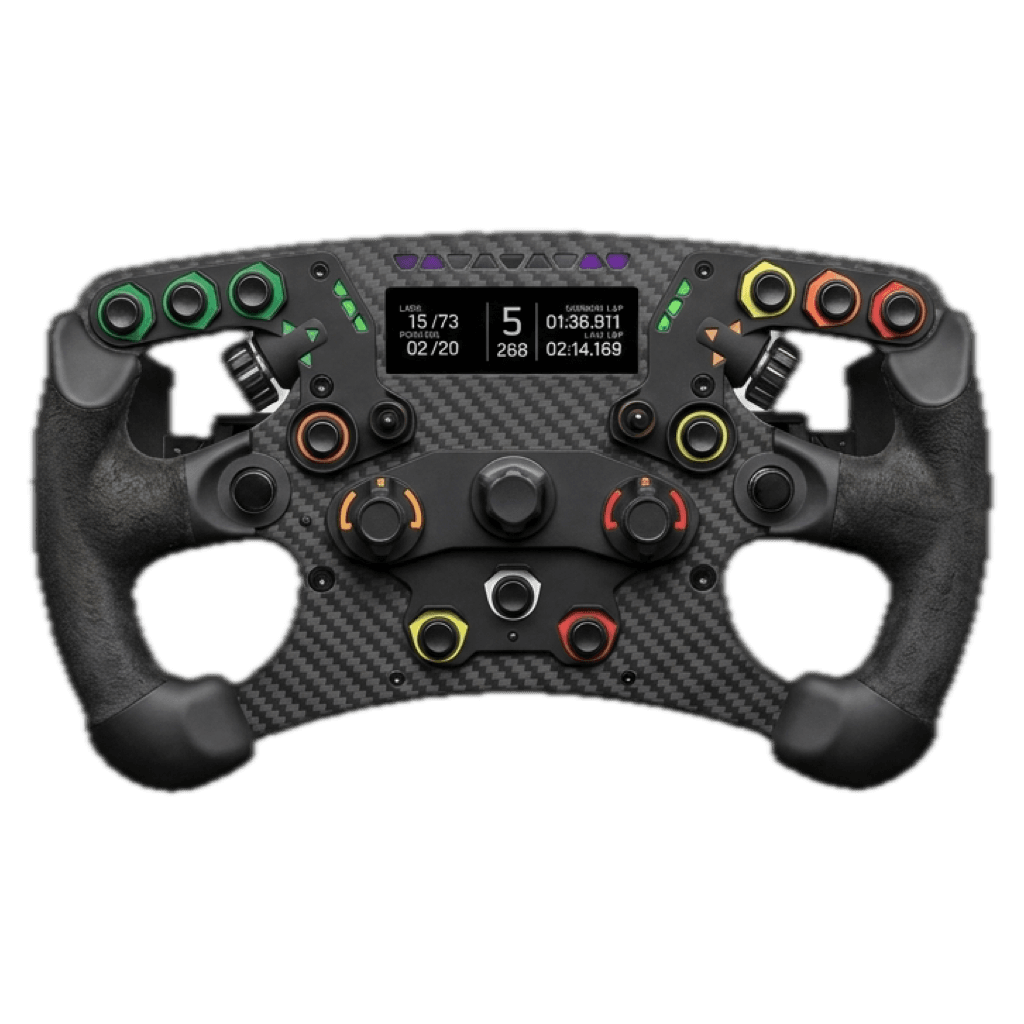
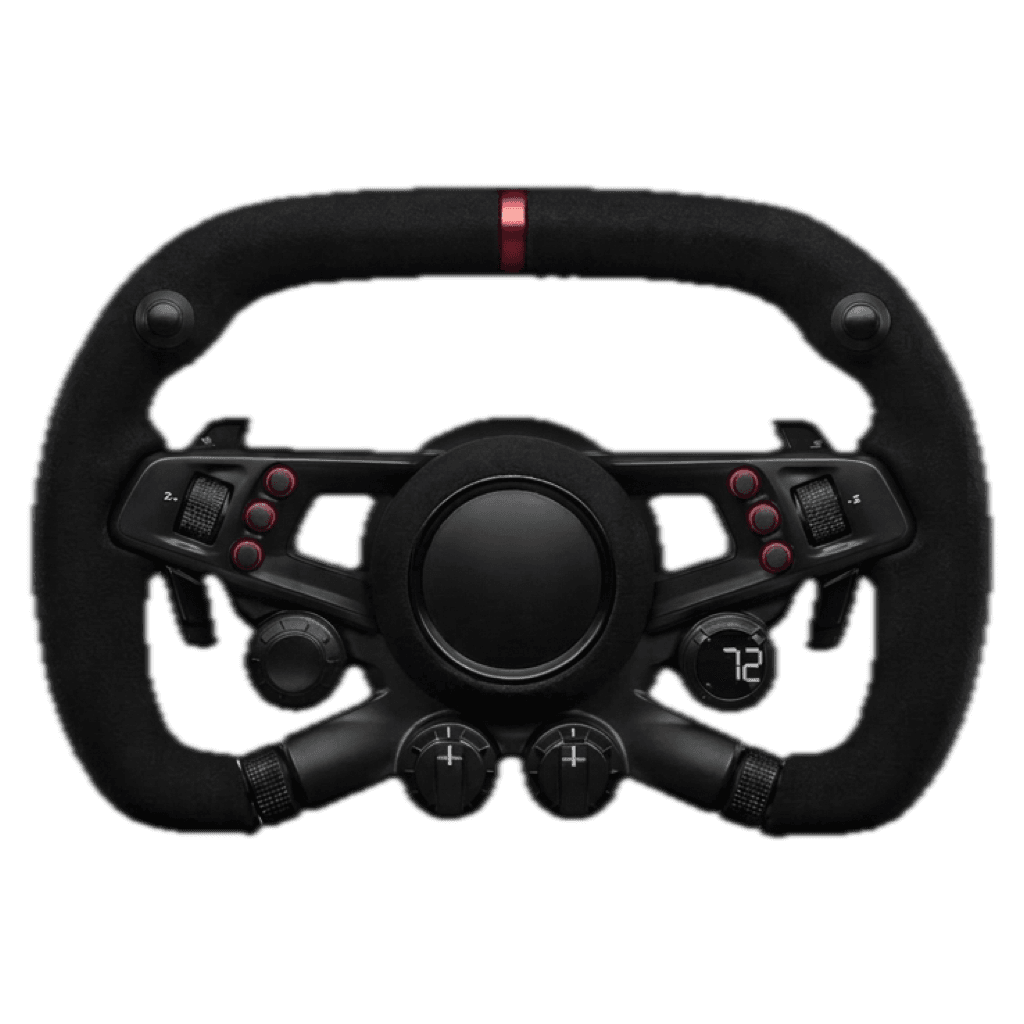
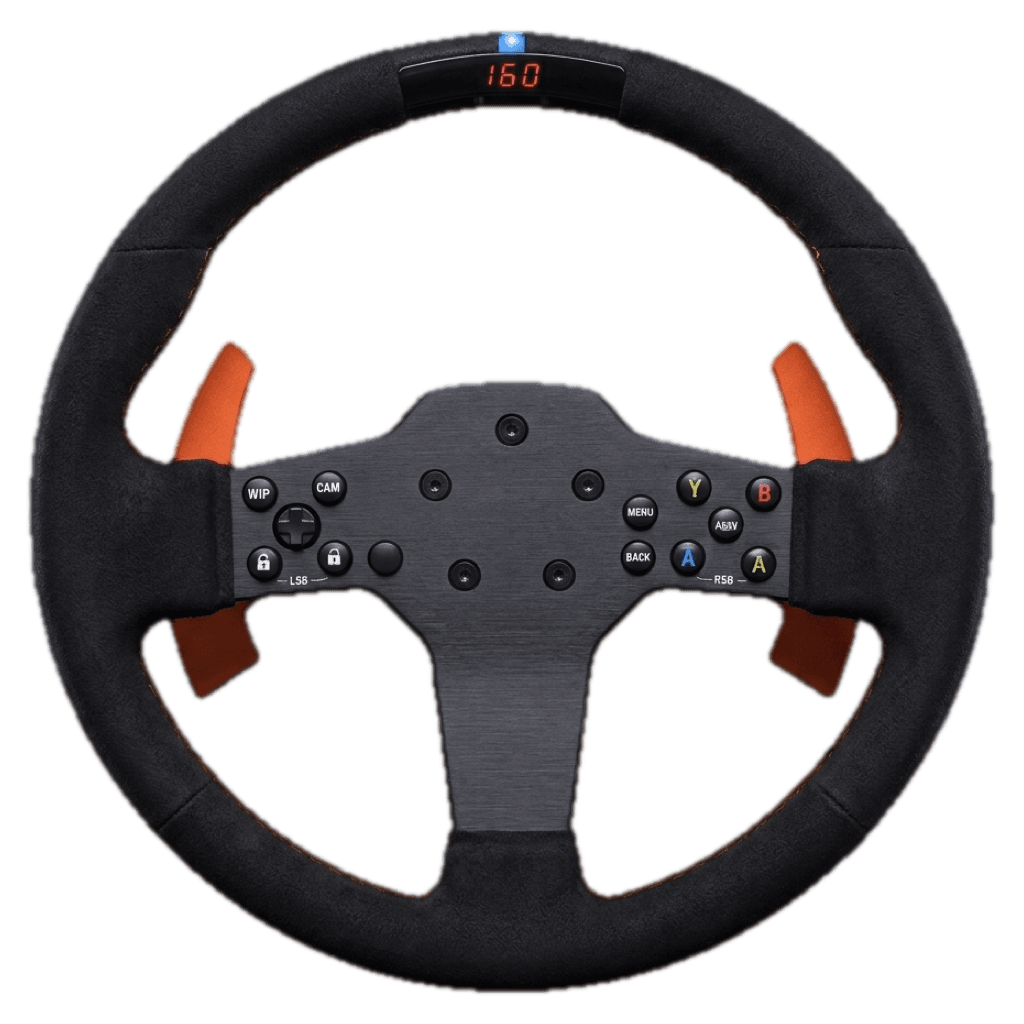
Click a button on a picture of your wheel to choose what it does: a key, a controller button or recording. Use the built-in pictures or a photo of your own rim.
Your wheel, on screen
Pick your rim and click its buttons to choose what they do. Pressed buttons light up on the picture while you drive.
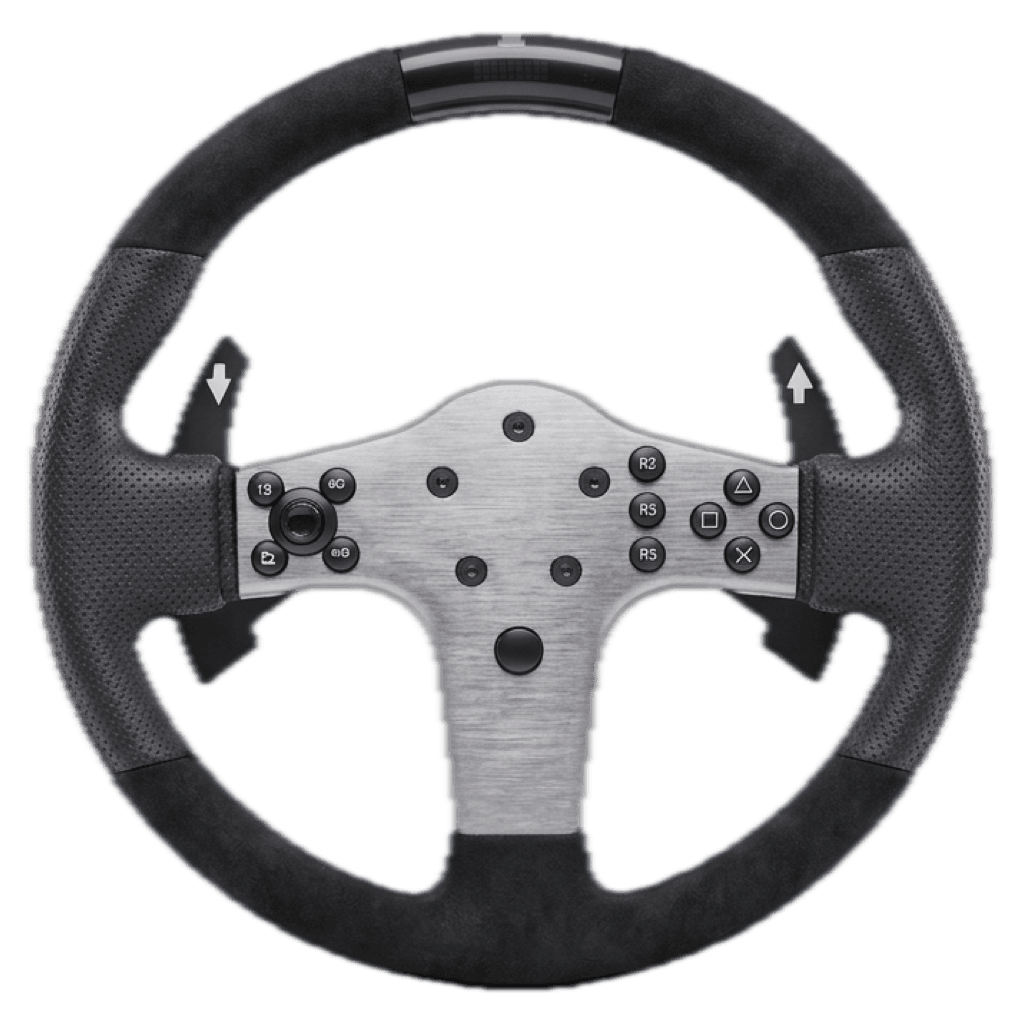
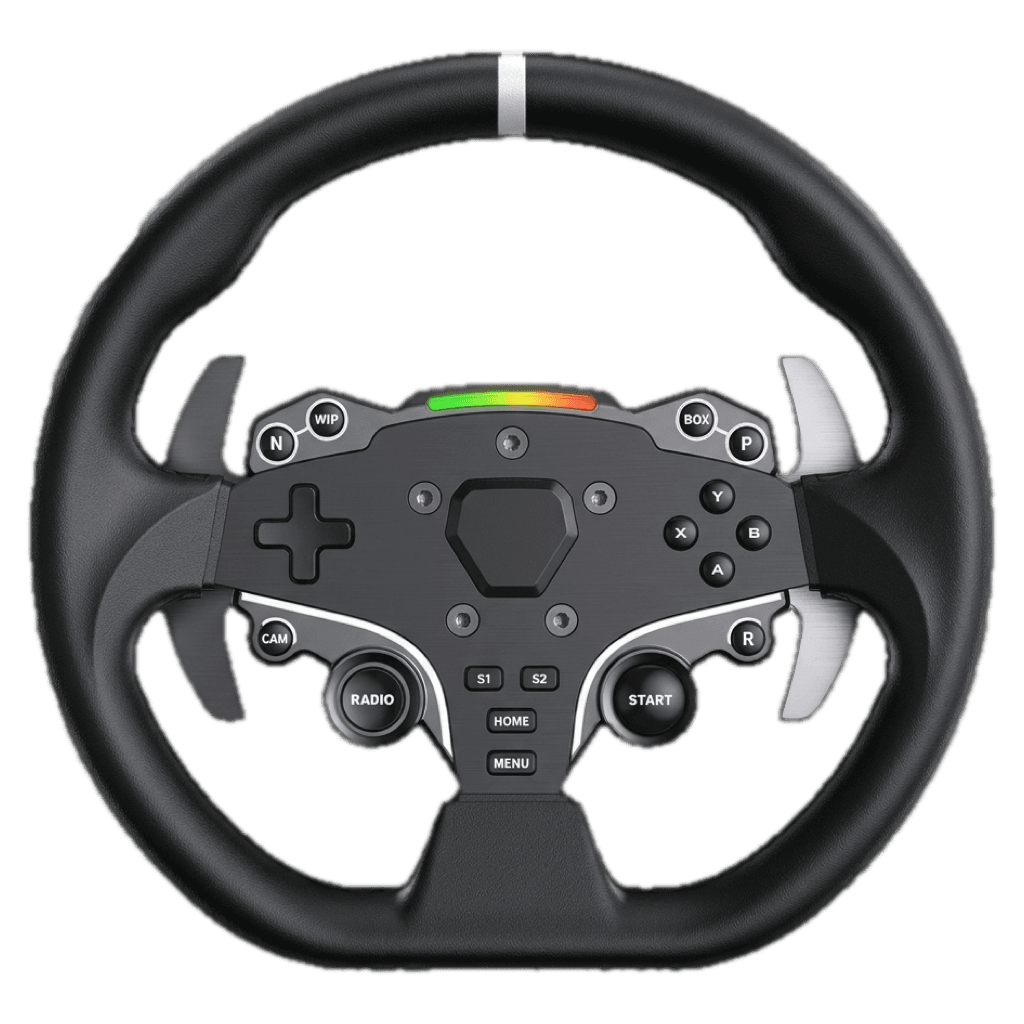
Set up in a minute
Plug in your wheel
Any wheel, pedal set or controller your Mac sees.
Run the setup
Turn the wheel and press the pedals — Wheel Mapper learns them by watching what moves.
Start driving
Open your game. The right profile loads by itself.
Wheel Mapper
$19.99
One-time purchase · use on 2 Macs · 14-day refund · VAT included in the EU
- All features included
- Force feedback & shift lights
- Recording & instant replay
- Unlimited game profiles
- macOS 14 Sonoma or newer
- Apple Silicon Mac (M1 or newer)
Questions
Which wheels work?+
Any wheel, pedal set or game controller macOS recognises can steer and drive. Fanatec bases get the full package: force feedback, wheel base tuning, rev lights and display. Force feedback for Logitech (G25/G27/G29/DFGT) and wheels using the USB force feedback standard (Moza, Simagic, Cammus and others) is included as experimental.
Which games?+
Any game you can play with a keyboard or a game controller. It was built for Roblox driving games, where it tells games apart and keeps a profile for each one. Games that read the wheel themselves can be set to receive no key presses.
What does the app need permission for?+
Accessibility, to send key presses and mouse movement to the game. Screen Recording, to read the game's speedometer (speed, gear and revs, for the realistic force feedback and shift lights; only the small area around it is looked at) and to film the game when you use recording. Recordings are saved on your Mac, and nothing is sent anywhere except the licence check.
Does it work on Intel Macs or Windows?+
Not right now — Wheel Mapper needs an Apple Silicon Mac with macOS 14 or newer.
I'm stuck — where do I get help?+
Use Help → Report a Problem… in the app, or email support@forsmandev.com.
Fanatec, Logitech, Moza, Simagic, Cammus and Roblox are trademarks of their respective owners. Wheel Mapper is an independent product and is not affiliated with or endorsed by them.